Common Indonesia e-VoA Payment Errors Indians Face and How to Fix Them
Written by: VFS Global | Updated: January 27, 2025


Applying for the Indonesia e-VoA has made travel easier for Indian citizens, especially for those flying to Bali, Jakarta, Batam, or other major entry points. However, the most frequent hurdle during the application is a failed payment. Many Indian travellers report that the application fills smoothly but the payment either declines, freezes, or shows an error despite entering correct details.
This guide explains the most common Indonesia e-VoA payment errors Indians experience, why they occur, which cards work, and practical solutions that ensure a smooth application.


Payment failures happen for several technical and card-related reasons. These are the most common problems reported by Indian applicants:
The e-VoA portal only accepts cards that support international online payments. Many debit cards issued in India are domestic by default. If international usage is disabled, the transaction will automatically decline.
The official Indonesia e-VoA system uses 3D Secure (OTP-based verification). Cards that do not support 3DS or cards where banks do not send OTPs for foreign transactions will fail every time.
Only cards with Visa, Mastercard, or JCB logos are accepted.
Domestic-only cards, RuPay cards, prepaid wallets, and virtual cards will not work.
Once you complete the application form, you must finish the payment within 120 minutes. If this window expires, the system marks the application as incomplete, leading to an automatic failure.
Several Indian travellers report that the payment page sometimes does not load properly on mobile browsers. Some experience a frozen screen, endless loading, or a failed redirect. Clearing cookies or switching browsers often helps.
Banks sometimes block international payments to prevent fraud, especially small-value foreign transactions. Even when all details are correct, the bank may decline the charge for security reasons.
The official e-VoA website occasionally experiences high traffic, slow response times, or incomplete payment confirmations. In some cases, users see the amount deducted but the visa status still shows unpaid.
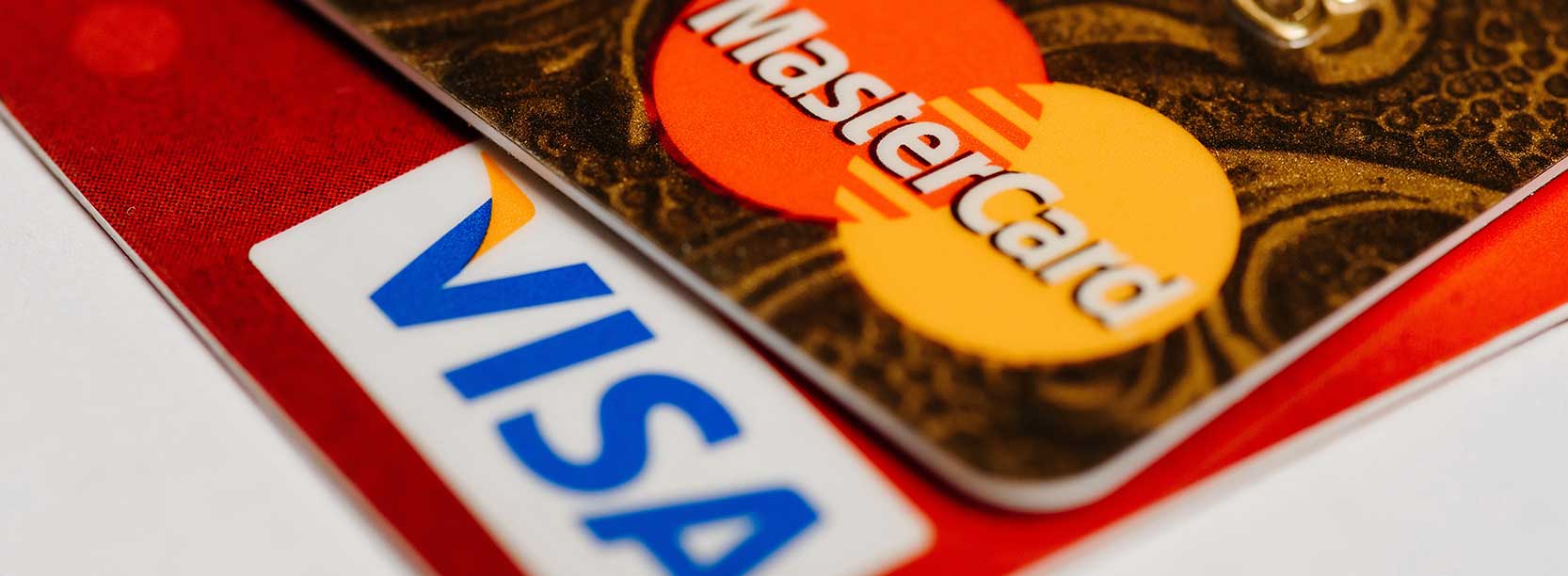
To complete your e-VoA payment successfully, use only cards that meet the official requirements.
The card must support:
Indian travellers frequently use a spouse’s or parent’s card if their own card does not support international usage. The Indonesian immigration system does not require card ownership match.
If your payment has failed, use the following practical steps. These solutions are based on official guidance and traveller experiences.
Before applying, check the status of your card using your banking app.
Activate:
For most banks in India, enabling these takes less than two minutes.
Credit cards often work more reliably for cross-border transactions.
If your debit card fails:
Once your application is submitted, proceed to payment immediately.
If you wait too long, the session expires and the system may show:
If this happens, start a fresh application.
Many Indian applicants report that:
Try these steps:
3D Secure requires OTP authentication.
If you do not receive the OTP:
This is common when the server is slow.
Do not panic. Most banks reverse the amount automatically.
Wait up to 24 hours and check again.
If the status is still unpaid:
If your bank continues to decline payment, try:
Even many frequent travellers use alternate cards specifically for international payments.
Most Indonesia e-VoA payment failures faced by Indian travellers come down to card restrictions, international usage being disabled, or 3D Secure issues. With the correct card setup, a stable browser, and timely payment, the application is smooth and usually completes within minutes.
If you are planning a trip to Indonesia, it is best to apply early, check your card settings in advance, and follow the official process carefully.
Before you travel, visit the official partner of the Indonesian government website and submit your application using a supported card. Always verify the latest visa rules from official immigration sources to ensure a hassle-free journey.
